Connectors overview
What connectors do and how syncing works.
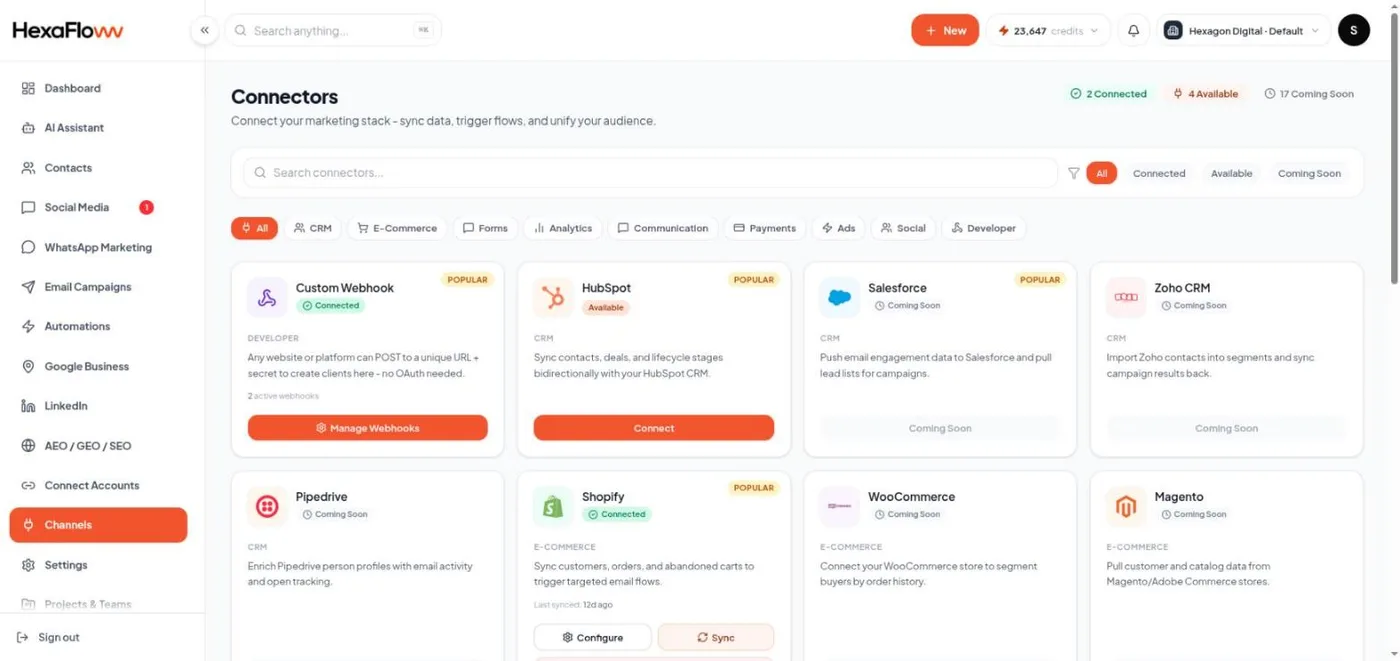
Connectors pull contacts into HexaFloww from external tools - form builders, a CRM, and your store - so you don't export and import CSVs by hand. They're at /admin/connectors.
Available connectors
- Google Forms - polled for new responses every 15 minutes.
- HubSpot - polled hourly.
- Typeform, JotForm, Shopify - push new data instantly via webhooks.
- Custom webhooks - send contacts from any system that can post JSON. See Custom webhooks.
How syncing works
- Connect the source (sign in, or paste an API token / webhook secret).
- Map fields - match the source's fields to HexaFloww contact fields, and optionally pick a segment to add every synced contact to.
- New contacts flow in - created or updated using the same de-duplication as a CSV import.
Every sync run records a log with how many contacts were found, created, updated, skipped, and errored.
Connectors add and update contacts; they don't delete. A response deleted in the source stays as a contact in HexaFloww.
To import contacts from a phone or address book (rather than a form/CRM), use Contact Sync instead.