Build your first journey
A worked example from trigger to final message.
Here's a common journey: welcome new WhatsApp contacts, then follow up if they don't reply.
The plan
- Someone opts in to WhatsApp → send a welcome template.
- Wait 2 days.
- If they haven't replied → send a gentle follow-up.
- If they replied → do nothing (a person will take over in the inbox).
Build it
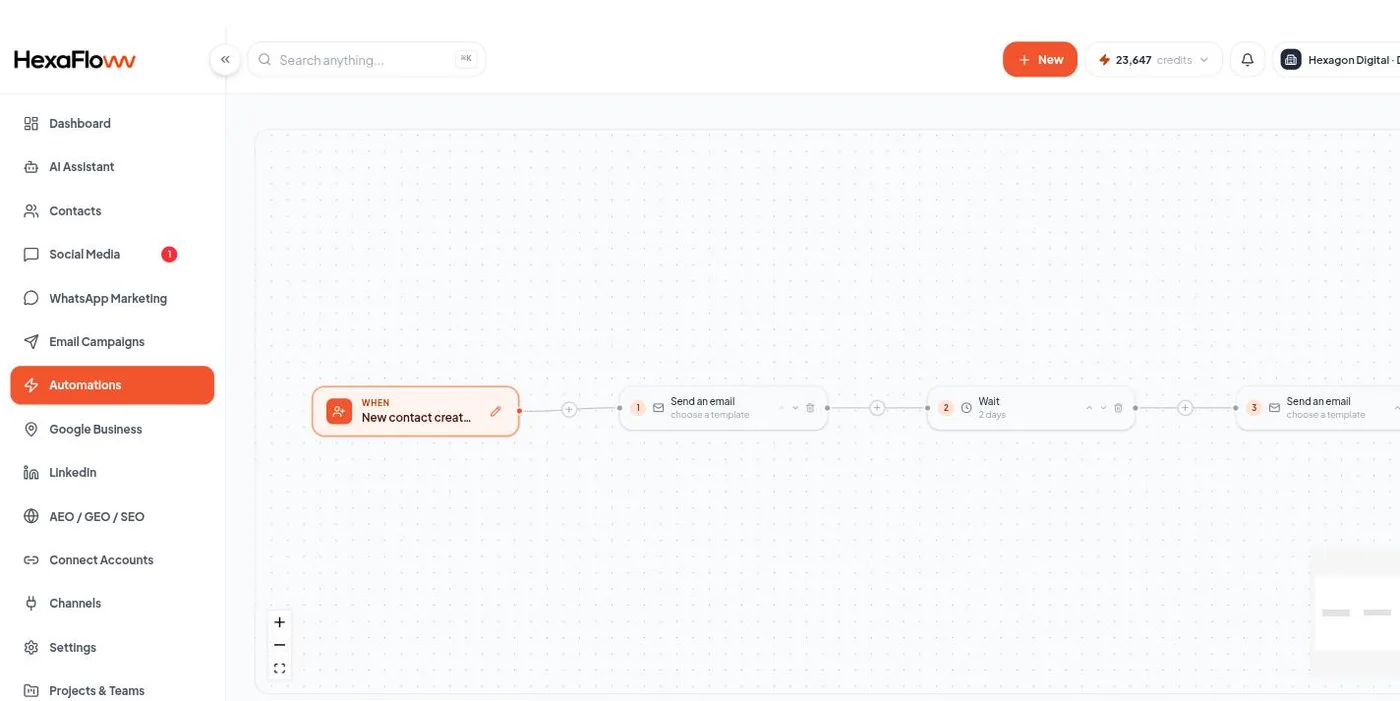
- New automation. Automations → New Automation.
- Trigger: WhatsApp opt-in.
- Step - Send WhatsApp message: choose your approved
welcometemplate and map any variables (e.g. first name with a fallback). - Step - Wait: 2 days.
- Step - Check contact (if/else): WhatsApp replied within 48 hours.
- No path → Send WhatsApp message: a
follow_uptemplate. - Yes path: leave empty - the journey just ends.
- No path → Send WhatsApp message: a
- Activate.
Test it
Opt a test contact in (message your number from a test phone, or use the bulk opt-in on one contact) and watch the enrollment progress on the automation's page.
The builder includes starter recipes - including WhatsApp welcome and Cross-channel nudge - that you can drop in and adjust.